
How to read the rejection message
Apple shares the rejection in App Store Connect, in the message area under the relevant version (Resolution Center). The message contains the guideline that was violated, a short explanation and often screenshots. The first job is to pin down the exact guideline and understand what Apple saw.
This page focuses on fixing rejected apps. For first-time publishing, see the publishing an app on the App Store page.
Main service page for this topic: freelance Swift / iOS app developer
The most common rejection reasons
- 2.1 App Completeness: Crashes, blank screens, broken buttons, no demo account provided for review, or missing content.
- 4.2 / 4.2.2 Minimum Functionality: The app merely wraps a website, consists only of catalogue or marketing content, or does not offer a sufficient app experience.
- 4.3 Spam: Apps cloned from the same template or very similar to existing apps on the store.
- 5.1.1 Data Collection and Privacy: Requesting unnecessary permissions, a missing privacy policy, undisclosed data collection, or no in-app account deletion when accounts can be created.
- 3.1.1 In-App Purchase: Selling digital content or features outside Apple's in-app purchase system.
- 2.3 Metadata: Screenshots that don't reflect the app, a misleading description, irrelevant keywords.
Step-by-step resolution process
- Review the cited guideline and screenshots; reproduce the issue on your own device.
- If the issue is real, fix the code, content or metadata and upload a new build.
- If there is a misunderstanding, write a short, clear, evidence-backed reply in the Resolution Center: a demo account, a video, where the feature is located.
- If it is only a metadata issue, you can often update the description and screenshots and resubmit without a new build.
- If you disagree with the decision, appeal to the App Review Board; explain concretely, clause by clause, why your app complies.
What I learned from a 4.2.2 rejection
Hakan Sevimoğlu experienced a 4.2.2 minimum functionality rejection first-hand on his own iOS app. Instead of the marketing-heavy first version, he rebuilt the app as a tool where users can map out a project scope and prepare a quote. With rejections like this, the fix is usually not rewording text but giving the app real functionality that runs on the device.
If your app needs a redesign from the ground up, it can be handled as part of iOS app development.
What I offer
Guideline analysis
Root cause by the cited guideline
Resolution reply
Short, evidence-backed, clause-based reply
Crash fixes
Bugs and blank screens under 2.1
Adding real function
A true app experience for 4.2.2
Privacy compliance
Permissions, policy, account deletion
Appeal support
Preparing the App Review Board appeal
Technologies I use
Example projects
A selection of live projects serving real users.

Ezan Vakti – Gümüşpala Hizmet (iOS)
Prayer times, Ramadan calendar, qibla and worship tracking; live on the App Store.
View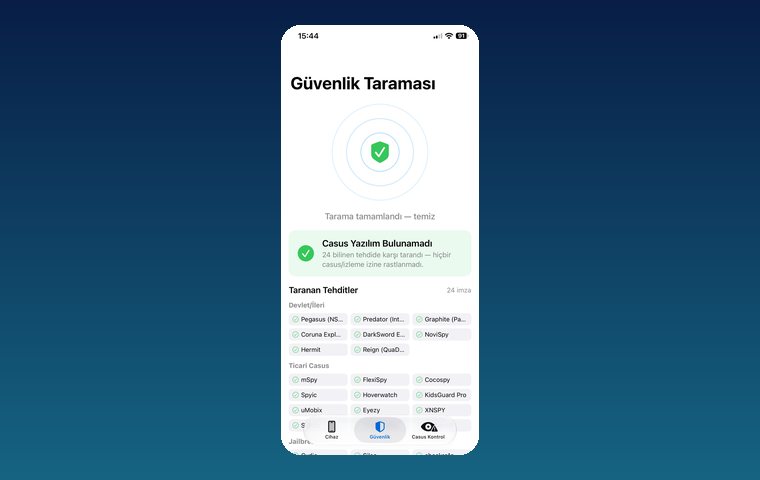
iPhone Security Scan — Spyware Detection
iOS app that scans for state-grade spyware, hidden tracking apps and jailbreak traces.
View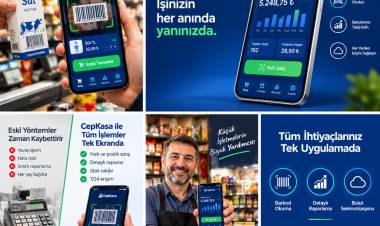
Kassa — iPhone POS & Inventory App
Barcode sales, stock, customer credit and profit reports for grocery stores and kiosks; works offline.
ViewHow we work
Free intro call
We clarify needs, existing systems and goals together.
Quote & roadmap
Scope, technology, timeline and budget within 24 hours.
Staged development
Weekly demos and a live test environment.
Launch & support
Go-live, training and ongoing maintenance.
Free pre-analysisThe first meeting and roadmap are completely free, with no obligation.
Staged delivery and approvalYou review each module on a test environment before we move on.
Written scope and rightsScope, delivery and source code rights are defined in the contract.
Frequently asked questions
My app was rejected. Do I have to start over?
Usually not. In most cases, fixing the relevant part according to the cited guideline and sending a new build, or replying in the Resolution Center, is enough.
How do I get past a 4.2.2 rejection?
You need to add real functionality that runs on the device and is not a copy of your website. Hakan faced this rejection on his own app and solved it by turning the app into a quote and scoping tool.
What should I write in the Resolution Center?
Keep it short and concrete: show that the issue is fixed or where the feature is, with a demo account and screen recording if needed. Avoid emotional or lengthy explanations.
When should I appeal to the App Review Board?
Appeal if you believe your app complies with the relevant guideline and can explain why concretely. If there is a fixable issue, fixing it first gets results faster.
Why do I get a 3.1.1 rejection?
This guideline is cited when digital content, subscriptions or in-app features are sold outside Apple's in-app purchase system. Selling physical goods and services falls outside this rule.