
Do this right now to recover the account
- Open WhatsApp on your phone; if you have been logged out, re-register with your phone number.
- Enter the 6-digit code sent by SMS or voice call. Registering again logs out the session on the other device.
- If the attacker set a Two-step verification PIN, you will be asked for it when signing in. If you do not know the PIN, WhatsApp lets you reset it after a waiting period; keep trying to re-register during that time.
- Once you are in, go to Linked devices in Settings and log out of every session you do not recognise.
- Turn on Two-step verification in Settings with a PIN only you know and an email address you can access.
Contact WhatsApp support and warn your contacts
If you cannot recover your account, email WhatsApp support at support@whatsapp.com with the subject "Lost/Stolen: Please deactivate my account" and your phone number in full international format (with your country code), or open a support request from Help inside the app.
Tell friends, family and groups through another channel (SMS, a call, another social media account) that your account has been taken over. The attacker may ask for money or codes in your name; ask your contacts not to reply to those messages.
The most common scams
- The "friend" asking for a code: A hijacked friend's account messages you: "I sent you a code by mistake, can you forward it?" That code is for your account.
- Fake support messages: WhatsApp never asks for your verification code or PIN in a chat.
- Giveaway and gift links: Fake pages that ask for your number and code once you tap them.
- Urgent money requests: A loan or transfer request from someone you know; call them first to confirm.
- Voicemail trick: When the code is sent by voice call, it can be retrieved from an unprotected voicemail box; change your carrier voicemail PIN.
How to stop it happening again
With Two-step verification on, the account cannot be opened without the PIN even if your number is registered on another phone. Check your Linked devices list regularly and do not leave WhatsApp Web signed in on computers you do not use. If you suspect someone else is seeing your messages, read the is someone reading my WhatsApp guide.
If you suspect a tracking app on your phone was behind the takeover, run the has my phone been hacked checklist or book a remote phone security check via WhatsApp.
What I offer
Re-register
Recover the account with your number
6-digit code
Never share it with anyone
Two-step verification
PIN and email protection
Linked devices
Log out unknown sessions
Contact support
Email or in-app support
Scam guide
Messages asking for codes or money
Technologies I use
Example projects
A selection of live projects serving real users.

Pingora — Number-Free Messaging
Secure messaging and video calls without sharing a phone number.
View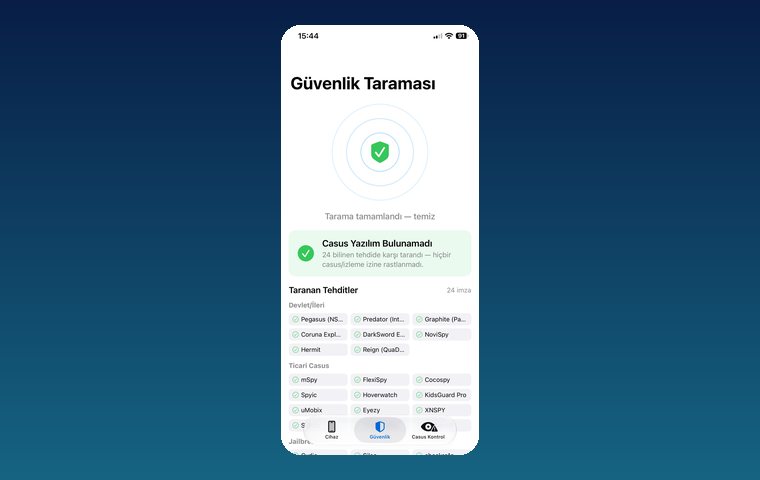
iPhone Security Scan — Spyware Detection
iOS app that scans for state-grade spyware, hidden tracking apps and jailbreak traces.
ViewHow we work
Free intro call
We clarify needs, existing systems and goals together.
Quote & roadmap
Scope, technology, timeline and budget within 24 hours.
Staged development
Weekly demos and a live test environment.
Launch & support
Go-live, training and ongoing maintenance.
Free pre-analysisThe first meeting and roadmap are completely free, with no obligation.
Staged delivery and approvalYou review each module on a test environment before we move on.
Written scope and rightsScope, delivery and source code rights are defined in the contract.
Frequently asked questions
My WhatsApp account was hacked. How do I get it back?
Re-register WhatsApp with your phone number and enter the 6-digit code sent by SMS. Registering again logs out the session on the other device. Then turn on Two-step verification.
What if the attacker set a Two-step verification PIN?
You cannot sign in without the PIN; WhatsApp allows re-registration without it after a waiting period. During that time the attacker cannot receive new messages either.
How do I contact WhatsApp support?
Email support@whatsapp.com with your phone number in full international format including the country code, or open a support request from Help inside the app.
A friend is asking me for a code. Should I send it?
No. That code is the verification code for your own account. Your friend's account has most likely been hijacked; call them to let them know.
Once I get my account back, will my messages have been read?
The attacker may have seen new messages that arrived while their session was active. Older chats are generally not transferred to the attacker's device unless restored from a backup.